The data is in the PDF. The work is getting it out
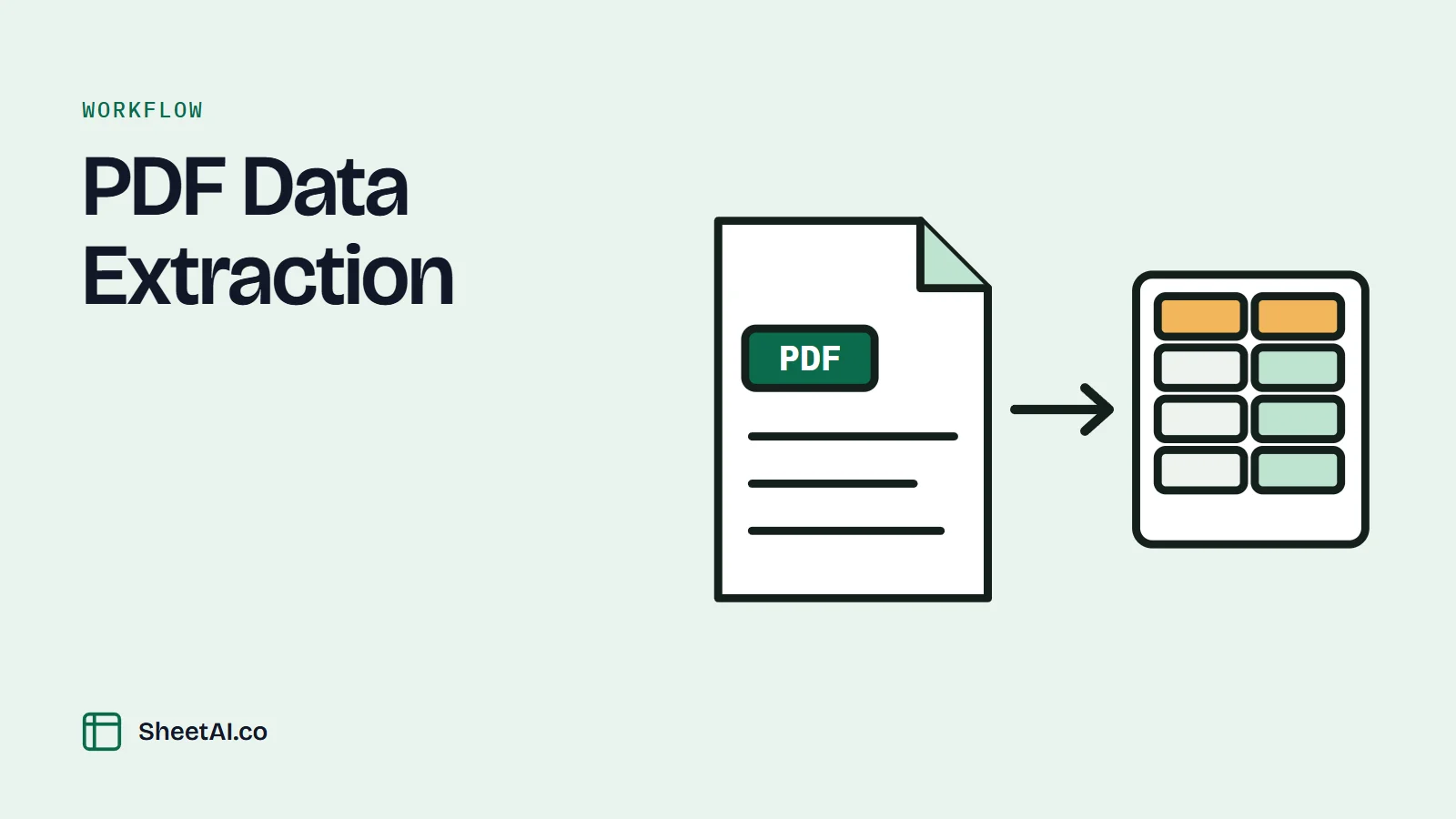
Roughly 80% of enterprise data is unstructured, and a great deal of it arrives as a PDF somebody has to retype. Attach the file, tell SheetAI which columns you want, and it writes the rows into your sheet, with the page each figure came from, so a reviewer can check it against the source.
Best-in-class AP teams get that under $3, and the gap is almost entirely manual keying and the exception handling that follows it. The work is not judgment; it is transcription. That is exactly the task to hand to a tool that reads the document and writes the cells.
Source: Ardent Partners: Accounts Payable MetricsThis page is about getting structured rows out of unstructured documents: supplier invoices, bank and brokerage statements, remittance advices, lab reports, purchase orders, government filings, insurance schedules, and the endless supply of PDFs that arrive as attachments and leave as manual data entry. SheetAI reads the document you attach, extracts the fields you name, and writes them into a range you choose. It shows you where each value came from, flags the ones it is unsure about instead of guessing, and leaves every step reversible. It is not an OCR engine for a filing-cabinet backlog, and it will not silently invent a total that does not appear in the file; the boundaries section below is specific about both.
Why PDF data entry survives every wave of automation
Four numbers that explain why a task everyone agrees is beneath them is still on somebody's desk in 2026.
Enterprise data that is unstructured rather than tabular
Contracts, invoices, statements, reports, and scans. None of it is addressable by a formula until somebody moves it into a grid, which is why the grid is where the extraction should happen.
IDC / Gartner, widely citedAP invoice cost gap: average vs. top quartile
Ardent Partners' benchmarks consistently show a 3–4x cost spread between typical and best-in-class AP operations, driven overwhelmingly by touchless processing rates rather than headcount.
Ardent PartnersFinance staff time spent on data gathering rather than analysis
Repeated finance-function surveys put roughly half of analyst time on collecting and formatting data. Extraction is the first and largest slice of that.
Deloitte / APQC benchmarksAccuracy of trained manual data entry, per field
Sounds excellent until you multiply it out. At 0.5% per field, a 20,000-cell extraction carries around 100 errors, and none of them announce themselves.
Standard data-entry QA benchmarksThe pattern: the bottleneck is not that the data is hard to understand; a human reads an invoice in four seconds. The bottleneck is that reading it and typing it are two different actions, and only one of them is automatable. Doing the extraction inside the sheet means the typing step disappears and the reading step stays reviewable.
Anatomy of a PDF extraction job
What actually happens when a folder of documents needs to become one table. If this is your Tuesday, you are not disorganized; you are doing the job as it currently exists.
Phase 1: Collect and triage the documents
- ›Pull attachments out of email, a shared drive, or a portal
- ›Sort by vendor, format, or period
- ›Identify which are native PDFs and which are scans
Phase 2: Find the fields in each layout
- ›Locate invoice number, date, net, tax, gross, PO reference
- ›Work out where each vendor puts each field
- ›Handle the ones that split a table across three pages
Phase 3: Key it into the sheet
- ›Type or copy-paste each field into the right column
- ›Re-type the numbers the copy-paste mangled
- ›Fix the dates Excel decided were American
Phase 4: Reconcile against the system of record
- ›Match extracted invoices to open POs
- ›Flag amounts that disagree with the ledger
- ›Chase the ones with no matching record
Phase 5: File the evidence
- ›Note which document each row came from
- ›Save the source files somewhere a reviewer can find
- ›Answer the auditor's question about row 412 six months later
Why extraction accuracy is a control issue, not a convenience
In 2012, JPMorgan's Chief Investment Office lost more than $6 billion in what became known as the London Whale episode. The bank's own internal task force report found that a critical value-at-risk model had been implemented in a spreadsheet that required an analyst to copy and paste data between worksheets by hand, and that an operational error in that process (a division by a sum rather than an average) understated volatility by roughly a factor of two. The model was not wrong because the maths was hard. It was wrong because a human was moving numbers between documents by hand, at speed, without a check.
The lesson: Manual transcription is not a clerical detail; it is an unreviewed control point sitting in the middle of your reporting chain. The fix is not to transcribe more carefully. It is to make the transfer machine-performed and machine-recorded, so the number in cell D14 can be traced back to page 3 of a specific document without anybody's memory being involved. SheetAI writes that provenance alongside the value, and flags low-confidence reads instead of quietly filling them in.
Source: JPMorgan Chase: Report of the Management Task Force Regarding 2012 CIO LossesWho it's for
If a recurring part of your week is reading one document and typing into another, this is the page.
Accounts Payable Teams
Key hundreds of supplier invoices a month across dozens of layouts, then handle the exceptions keying created.
Bookkeepers & Accountants
Turn client bank and card statements into a coded transaction list every month, per client, forever.
Financial Analysts
Pull figures out of filings, fund factsheets, and board packs to build a comparison that has to be right.
Operations & Procurement
Reconcile purchase orders, delivery notes, and invoices that agree with each other about 80% of the time.
Researchers & Policy Analysts
Extract tables from published reports and government PDFs that were never released as data.
Real extraction workflows
The exact prompt, what the agent does with it, and the state your sheet is in afterwards.
- ✓Reads each attached document and identifies the field positions per layout.
- ✓Normalises dates to ISO and strips currency symbols so the amounts are numeric.
- ✓Writes one row per invoice with a source reference for each.
- ✓Marks unreadable or absent fields UNCLEAR instead of inferring them.
12 invoices, 84 fields, written in under two minutes. Three rows flagged UNCLEAR (two missing PO references and one handwritten amendment) which is precisely the set a human should look at.
Everything you need to get a document into a grid
Attach the file, name the fields, and get rows with provenance attached. Numbers arrive numeric, dates arrive as dates, and anything ambiguous arrives flagged rather than filled in.
Plays well with your stack
- PDF attachments (native text layer)
- Word (.docx) and Excel (.xlsx) attachments
- CSV exports from any document processor
- Published reports fetched from a URL
- Bank and card statement downloads
- Accounting exports for reconciliation (Xero, QuickBooks, Sage)
What a month of AP extraction looks like
A representative finance team processing roughly 400 supplier invoices a month across 60 vendors, before and after the extraction step moves into the sheet.
Before SheetAI
~34 hours- Week 1Key the first batch of invoices; fix date and currency mangling~9h
- Week 2Second batch, plus the three vendors who changed their layout~9h
- Week 3Match against open POs by eye; build the exception list~8h
- Week 4Chase exceptions, re-key the disputed lines, file the evidence~8h
With SheetAI
~7 hours- Week 1Attach batch, extract to register, review the flagged rows~2h
- Week 2Second batch; layout changes handled without a template rebuild~2h
- Week 3PO match runs as a join; exceptions arrive pre-sorted~1h
- Week 4Chase the real exceptions; provenance already attached~2h
~80% reduction in keying and exception hours on a representative 400-invoice month.
What SheetAI will not do
Extraction is a place where confident wrong answers do real damage, so it is worth being exact about where the tool stops.
OCR a low-quality scan and pretend it is certain
Documents with a text layer extract reliably. Photographs of paper, faxed scans, and handwriting do not, and the failure mode is a plausible wrong digit rather than an obvious blank. Where the read is uncertain SheetAI marks the field rather than filling it, and for a large backlog of poor scans a dedicated OCR pipeline is the right tool before this one.
Invent a figure that is not in the document
If an invoice shows net and gross but no tax line, the tax cell stays empty and flagged. Deriving it may well be correct, but a derived number that looks extracted is the single most dangerous output an extraction tool can produce. You can ask for the calculation explicitly, as a formula you can see.
Replace your three-way match controls
It can build the PO-to-receipt-to-invoice comparison and rank the exceptions, which is most of the labour. Approving a payment against that comparison is a control that belongs to a person with authority, and it should stay that way.
Process documents you are not permitted to process
Bank statements, medical letters, and HR files carry obligations that do not disappear because the file is an attachment. Check what your policy allows before uploading, and for anything covered by HIPAA see the guidance on the healthcare page.
We had a person whose actual job was retyping invoices. Not checking them, retyping them. Now the rows land in the register with the file name attached and she spends her week on the exceptions, which is the part that was always getting squeezed. The first month we found a duplicate payment that had been sitting there since March.
Frequently asked
What people ask before they trust a machine with their invoices.
How accurate is the extraction?
›
Does it work on scanned documents?
›
Can it handle invoices from different vendors with different layouts?
›
How many documents can I do at once?
›
Where does the data go?
›
Can I see where each number came from?
›
What about tables that span multiple pages?
›
Does it work in Excel and Google Sheets?
›
Sources & further reading
Every benchmark and statistic on this page is drawn from publicly available research. We cite our sources because we read theirs.
- Ardent Partners: Accounts Payable Research↗
Long-running AP benchmark series; average all-in invoice processing cost around $10 versus roughly $2–3 for best-in-class, with the gap driven by touchless processing rates.
- JPMorgan Chase: 2012 CIO Losses Task Force Report↗
The bank's own account of the London Whale losses, including the manual copy-paste spreadsheet process and the operational error that understated modelled volatility.
- EuSpRIG: Spreadsheet Risk Research↗
The standing catalogue of publicly documented spreadsheet failures; the recurring theme is manual transfer between documents rather than complex logic.
- IDC: Unstructured Data Estimates↗
Source of the widely repeated estimate that around 80% of enterprise data is unstructured and therefore not directly addressable by analysis tools.
- APQC: Finance Function Benchmarks↗
Benchmark data on finance staff time allocation, consistently showing roughly half of analyst effort spent gathering and preparing data rather than analysing it.
Related teams using SheetAI
Adjacent functions that hit the same kinds of problems.
Stop retyping documents.
Start reviewing them.
Attach a PDF, name the columns you want, and watch the rows land in your sheet with the page reference attached. No template setup, no per-vendor configuration.
Pay as you go, no subscription required